Over time, a lot of people end up believing that computers and smartphones “are not for them”. Not because they cannot learn – but because no one ever took the time to teach them gently, step by step.
My sessions are meant for those who want to understand without pressure: how a computer works, how to send a photo to family, how to avoid scams, and how to feel safe using technology again.
Each meeting starts with a relaxed atmosphere. It is perfectly fine not to know, and it is perfectly fine to ask again. I repeat explanations as many times as needed, without judgment, without the feeling of “everyone else knows except me”.
For families, this can be moving to watch: a parent or grandparent sending messages on their own, joining a video call, reading the news online, feeling connected again.
Learning later in life is not “too late” – it is a way to regain freedom and independence. I am grateful to be able to accompany that process.
📚 Program of the 10 lessons (1h each)
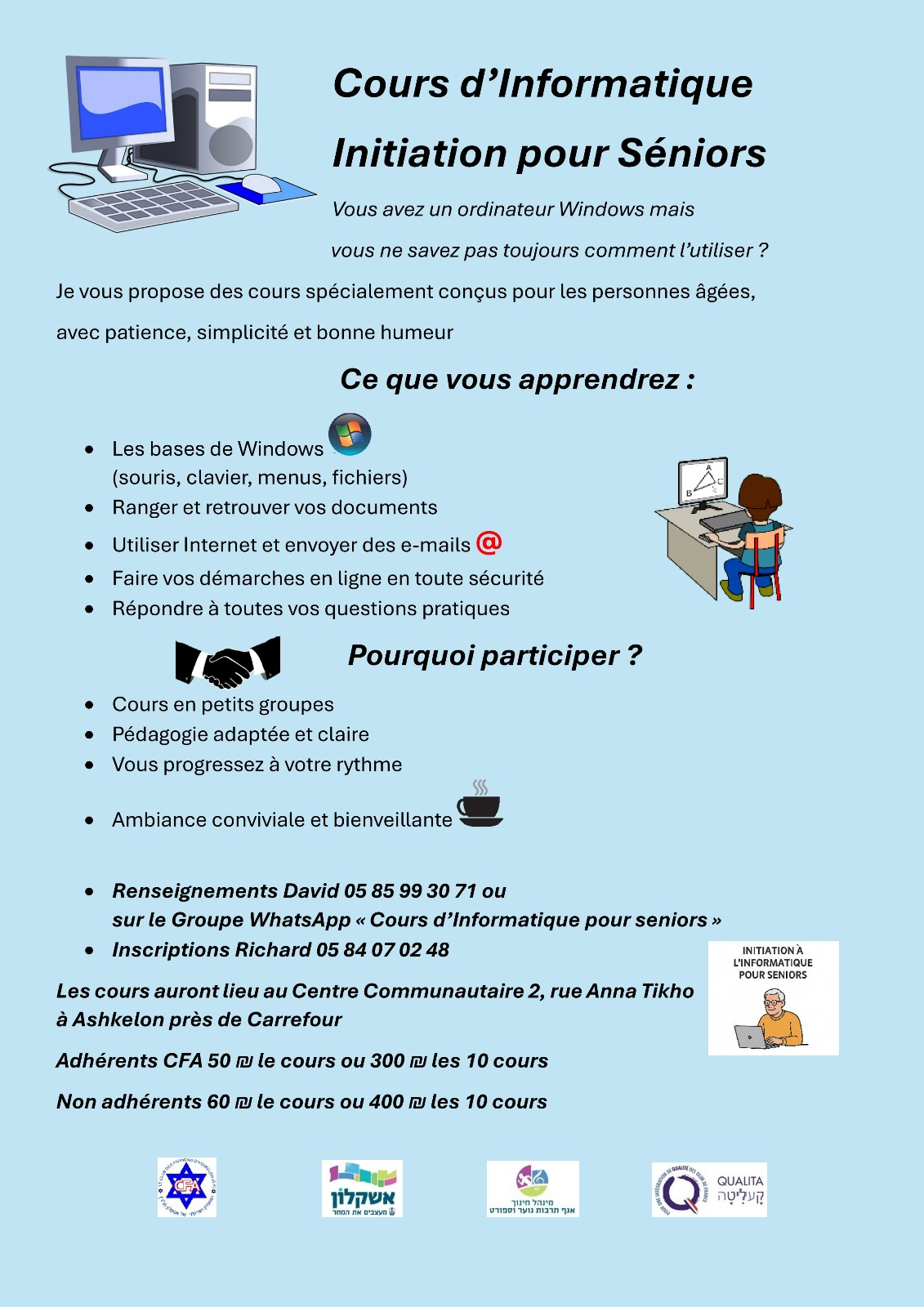
This introductory computer course for seniors consists of 10 progressive one-hour lessons, designed for beginners, on a Windows PC.
Course 1 – Introduction to the computer and desktop
Simple, reassuring discovery of the computer, screen, mouse, keyboard and desktop.
Course 2 – The Windows system and taskbar
Understanding the basic elements of Windows and how to move between open windows and programs.
Course 3 – Managing files and folders
Learning how to save, rename, move and tidy documents so you can find them easily.
Course 4 – Keyboard use and helpful shortcuts
Getting more comfortable with typing and discovering a few shortcuts that make life easier.
Course 5 – Introduction to the Internet and web browser
Visiting websites, doing simple searches and understanding how to surf safely.
Course 6 – Creating and using an Email account
Sending and receiving messages, attaching a photo and recognising suspicious emails.
Course 7 – Learning to use Word
Writing a simple document, changing the font, saving and printing.
Course 8 – Introduction to Excel and basic calculations
Discovering tables, entering numbers and doing a few basic calculations.
Course 9 – Introduction to social networks
Understanding what social networks are and how to use them carefully and calmly.
Course 10 – Security and good digital practices
Learning good habits to protect your computer, your data and your privacy.
💰 Prices
• 60 ₪ per lesson (group of up to 10 people)
• 400 ₪ for the full 10-lesson package
🏠 Personal lessons at home
Private, personalised lessons at home are also possible.
Price on quotation, depending on level, needs and distance.
⚠️ Lessons are given exclusively on a Windows PC.
Apple systems (Mac / MacBook) are not covered in this program.